
Built for painters in the field
A mobile-first portal where subcontractors accept job offers, check in with one tap, view daily schedules, and track earnings. They see only payout pricing -- never retail.
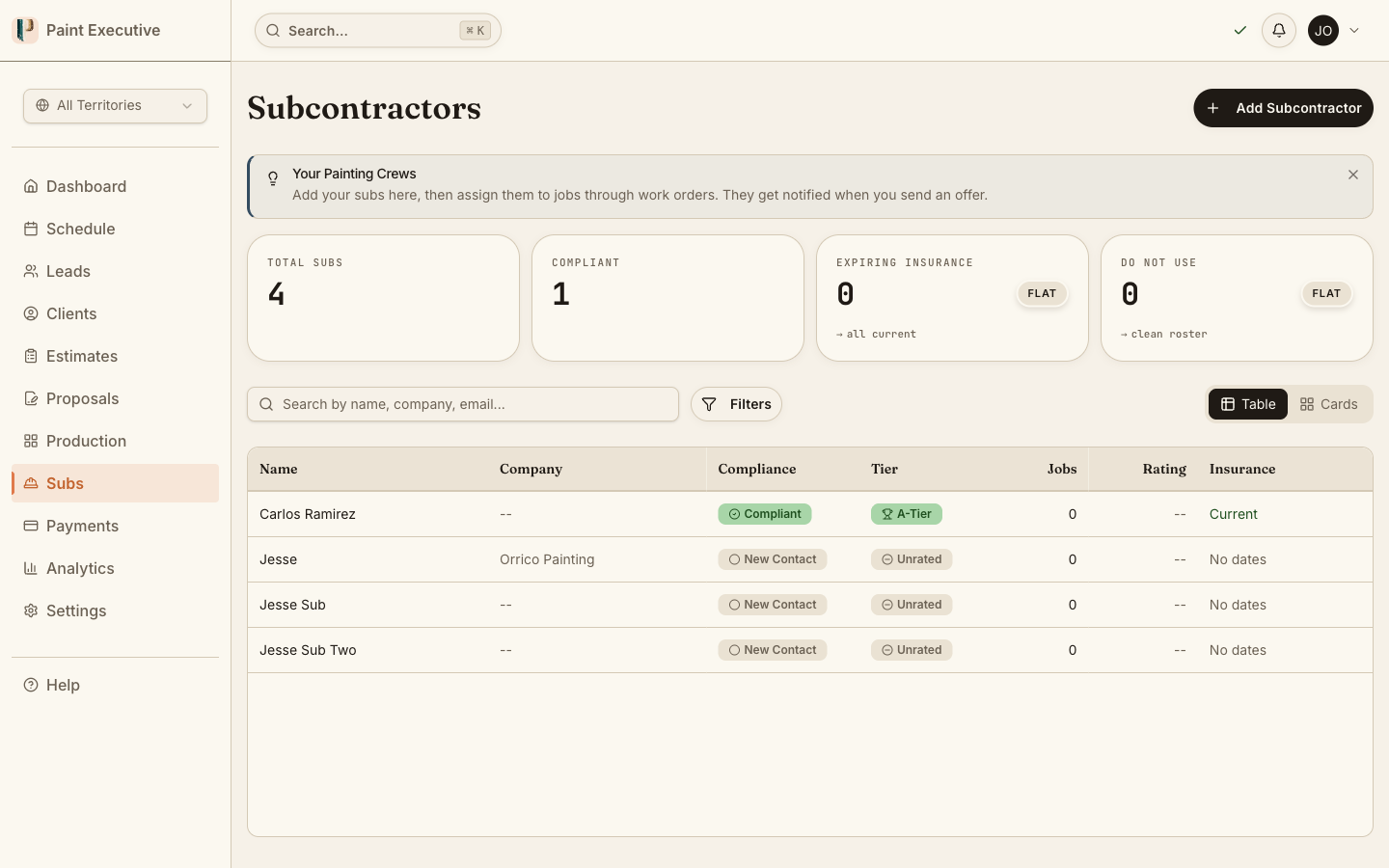
The Problem
You manage subcontractors with text messages, phone calls, and spreadsheets
You text a sub about a new job. They say "maybe." You text three more subs. Two respond hours later. Nobody knows what the schedule looks like tomorrow, and figuring out what each sub is owed takes half a Saturday.
Text-message chaos
Job offers, schedule changes, and check-in confirmations all happen over text. When you need to find a specific conversation from last month, good luck.
No centralized schedule
Subs do not know what tomorrow looks like until you text them the night before. Missed messages mean missed jobs and frustrated customers.
Manual earnings tracking
Calculating sub payouts at the end of the month means cross-referencing job records, change orders, and partial payments. One missed line item means an underpayment dispute.
Capabilities
Everything your subs need in one mobile app
A dedicated portal that keeps subcontractors informed and productive.
24-Hour Job Offers
New jobs are sent as offers with a 24-hour acceptance window. Subs accept or decline with one tap. If declined, the offer automatically moves to the next sub.
Daily Schedule Hub
Subs see their assigned jobs for today, tomorrow, and the week ahead. Job details, customer info, and directions are all one tap away.
Earnings Tracking
Subs see their earnings by job, week, and month. Completed jobs, pending payouts, and change order bonuses are all visible in real time.
One-Tap Check-In / Check-Out
One-tap check-in captures a timestamp. The office sees who is on-site without making a single phone call.
Price Isolation
Subs never see retail or customer pricing. Work orders expose only the sub payout amount. This is enforced at the database level, not just in the UI.
Photo Documentation
Upload progress photos directly from the job site. Photos are tagged to the job and flow to the office automatically.
How It Works
From job offer to earnings in four steps
Receive Offer
A new job appears in the sub portal with scope, address, and payout amount. 24 hours to accept or decline.
Accept & View
Accept the offer and the job appears on your daily schedule. Full details, directions, and customer color selections are available.
Check In & Work
Check in on-site with one tap. Upload progress photos as you work. Status updates flow to the office automatically.
Track Earnings
Completed jobs and payouts appear in the earnings dashboard. See what you have earned and what is pending.
Receive Offer
A new job appears in the sub portal with scope, address, and payout amount. 24 hours to accept or decline.
Accept & View
Accept the offer and the job appears on your daily schedule. Full details, directions, and customer color selections are available.
Check In & Work
Check in on-site with one tap. Upload progress photos as you work. Status updates flow to the office automatically.
Track Earnings
Completed jobs and payouts appear in the earnings dashboard. See what you have earned and what is pending.
Stop managing subs by text message
Give your painting crew a real tool. Job offers, schedules, check-ins, and earnings in one mobile app. Try it free for 14 days.
A Closer Look
See the sub portal in action
Real product screens showing the subcontractor mobile experience.
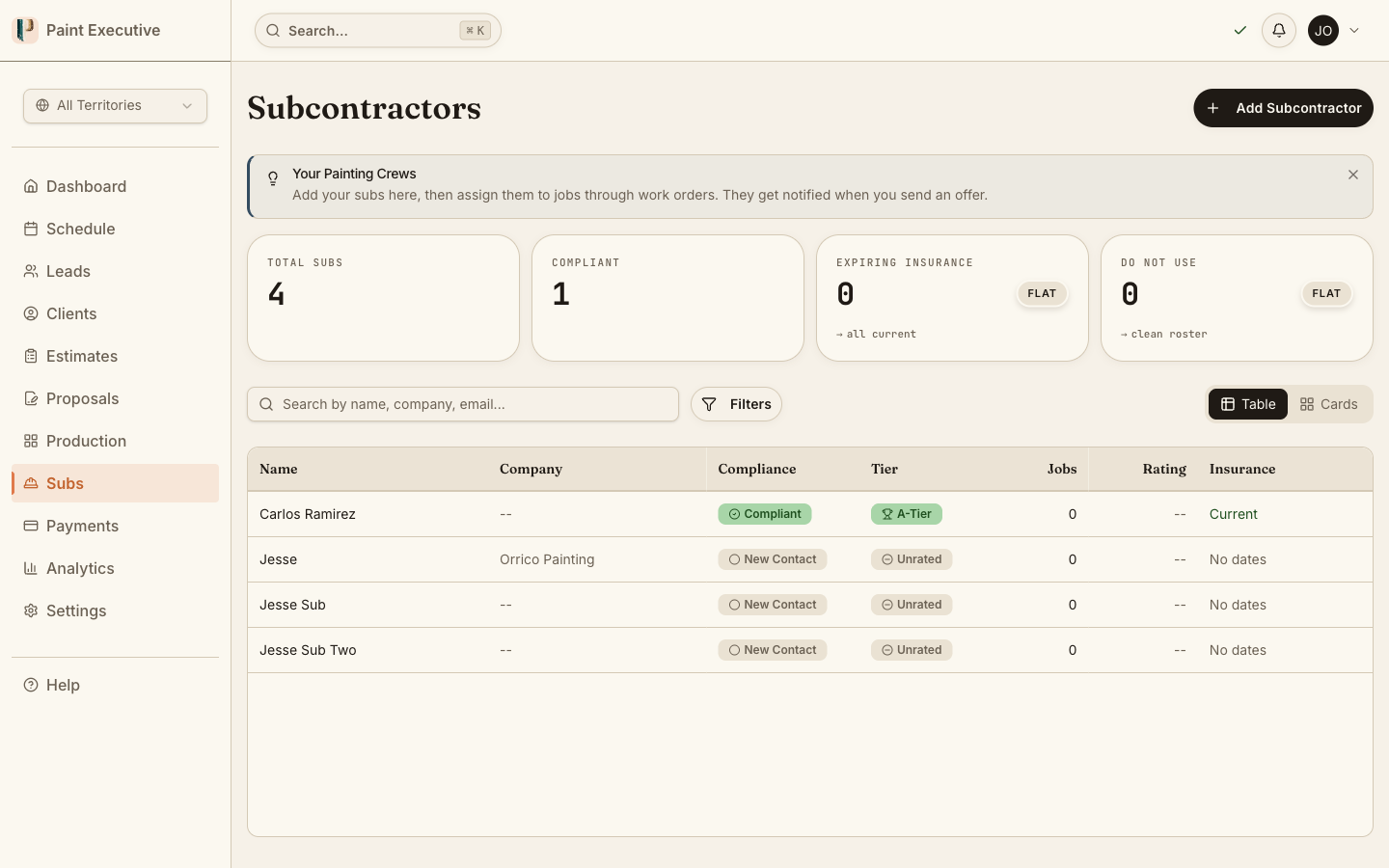
Daily hub for painters
Subs open the app and see their jobs for today. One tap for directions, one tap for customer details, one tap to check in. Everything needed for a productive day.
Today's jobs with one-tap check-in
Quick access to directions and details
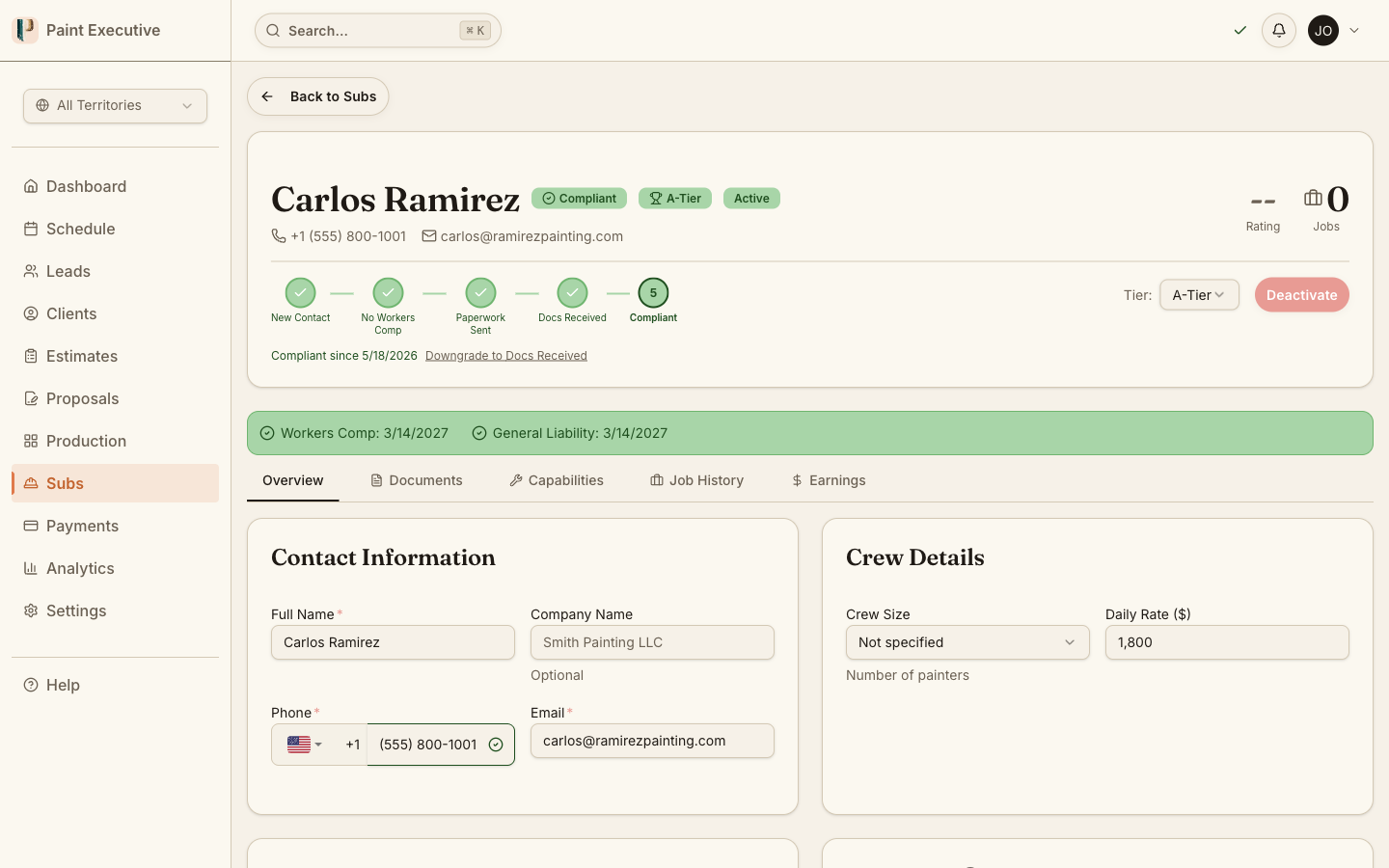
Job offer acceptance
New job offers arrive with scope details and payout amount. Subs accept or decline with one tap. Declined offers automatically route to the next available sub.
Payout amount shown (never retail)
Accept or decline with one tap
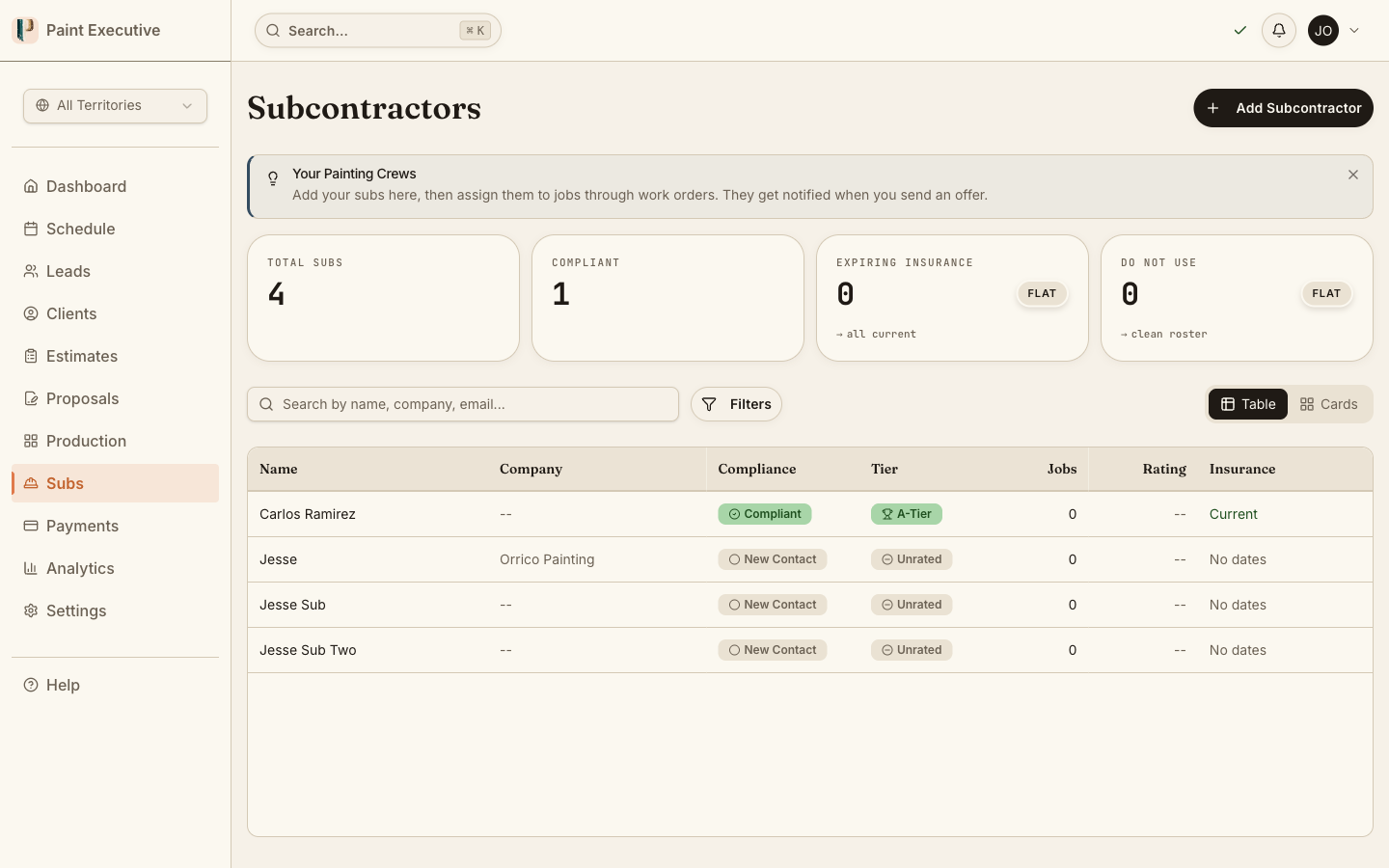
Earnings dashboard
See earnings by job, week, and month. Completed jobs show payout amounts, and pending jobs show expected earnings. No more waiting for the office to calculate what you are owed.
Earnings breakdown by period and job
FAQ
Common questions about the subcontractor portal
No. Price isolation is enforced at the database level. Subcontractors see only their payout amount on work orders. Customer pricing, retail amounts, and margin data are never exposed to the sub portal.
Paint Executive is a Progressive Web App. Subs access it through their mobile browser and can add it to their home screen. No App Store or Play Store download required.
The offer automatically moves to the next sub on the assignment list. The system tracks offer history so you know who declined and when.
Yes. The earnings dashboard shows completed jobs with payout amounts, pending jobs with expected payouts, and totals by week and month. Subs always know what they are owed.
Subs tap a single button on the job detail screen. The app captures a timestamp. The office sees the check-in immediately on the production board. Check-out works the same way.
Related Features
Subcontractor Portal is just the beginning
Ready to empower your subcontractors?
Join painting companies that replaced text threads with a real sub management portal. Start your free 14-day trial today.