
Never lose another painting lead
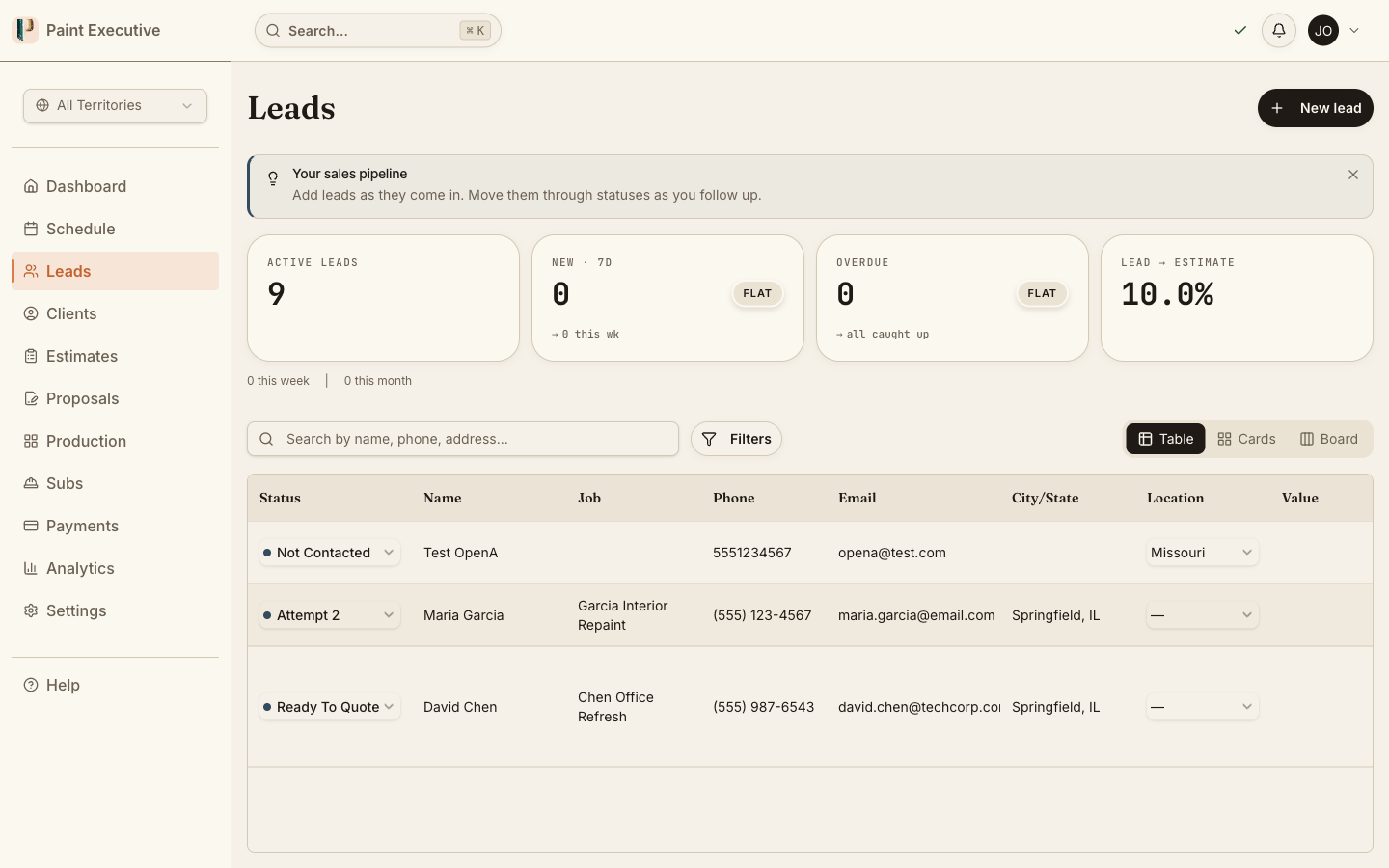
A 14-status pipeline built for painting companies. Track every lead from first contact to booked estimate with automated follow-ups, contact attempt tracking, and source attribution.
The Problem
Leads fall through the cracks, follow-ups get forgotten, and you have no idea which marketing works
A homeowner calls your Google Ads number on Monday. By Wednesday nobody has called back. By Friday they hired your competitor. You paid $80 for that lead and never knew it existed.
Lost leads, zero visibility
Leads arrive via phone, form, referral, and social media. Without a central system they scatter across sticky notes, texts, and memory. You cannot fix what you cannot see.
No follow-up system
The 3-attempt rule wins jobs, but nobody tracks attempts. Estimators forget, leads go cold, and revenue walks out the door.
Unknown lead sources
You spend money on Google Ads, yard signs, and door hangers but have no idea which channel produces profitable jobs. You are flying blind on marketing spend.
Capabilities
A painting-specific CRM that tracks every lead
From first contact to booked estimate, know where every lead stands.
14-Status Pipeline
A configurable pipeline with statuses designed for painting workflows: new, contacted, estimate scheduled, estimate completed, proposal sent, and more.
3-Attempt Contact Rule
Track every contact attempt per lead. The system enforces a 3-attempt minimum before marking a lead as dead, ensuring no lead is abandoned prematurely.
Source Attribution
Tag every lead with its source: Google Ads, referral, yard sign, Angi, Thumbtack, or custom. See which channels produce the most revenue, not just the most leads.
Auto-Client Creation
When a lead converts, the system automatically creates a client record with all contact info, notes, and history carried forward. No re-entry required.
Follow-Up Reminders
Automated reminders ensure no lead sits idle. Configure follow-up intervals per status and get notified when a lead needs attention.
Lead Analytics Dashboard
See conversion rates by source, response time metrics, and pipeline velocity. Identify bottlenecks and optimize your sales process with real data.
How It Works
From first contact to booked estimate in four steps
Capture
Leads arrive from web forms, phone calls, or manual entry. Each is tagged with source and assigned to an estimator.
Track
Move leads through the pipeline. Log contact attempts, add notes, and schedule follow-ups.
Convert
Book an estimate appointment. The lead becomes a client with full history preserved.
Analyze
Review conversion rates, response times, and source ROI. Double down on what works.
Capture
Leads arrive from web forms, phone calls, or manual entry. Each is tagged with source and assigned to an estimator.
Track
Move leads through the pipeline. Log contact attempts, add notes, and schedule follow-ups.
Convert
Book an estimate appointment. The lead becomes a client with full history preserved.
Analyze
Review conversion rates, response times, and source ROI. Double down on what works.
Stop letting leads slip away
Every lost lead is lost revenue. Start tracking your pipeline today with a free 14-day trial.
A Closer Look
See lead management in action
Real product screens showing how painting companies track and convert leads.
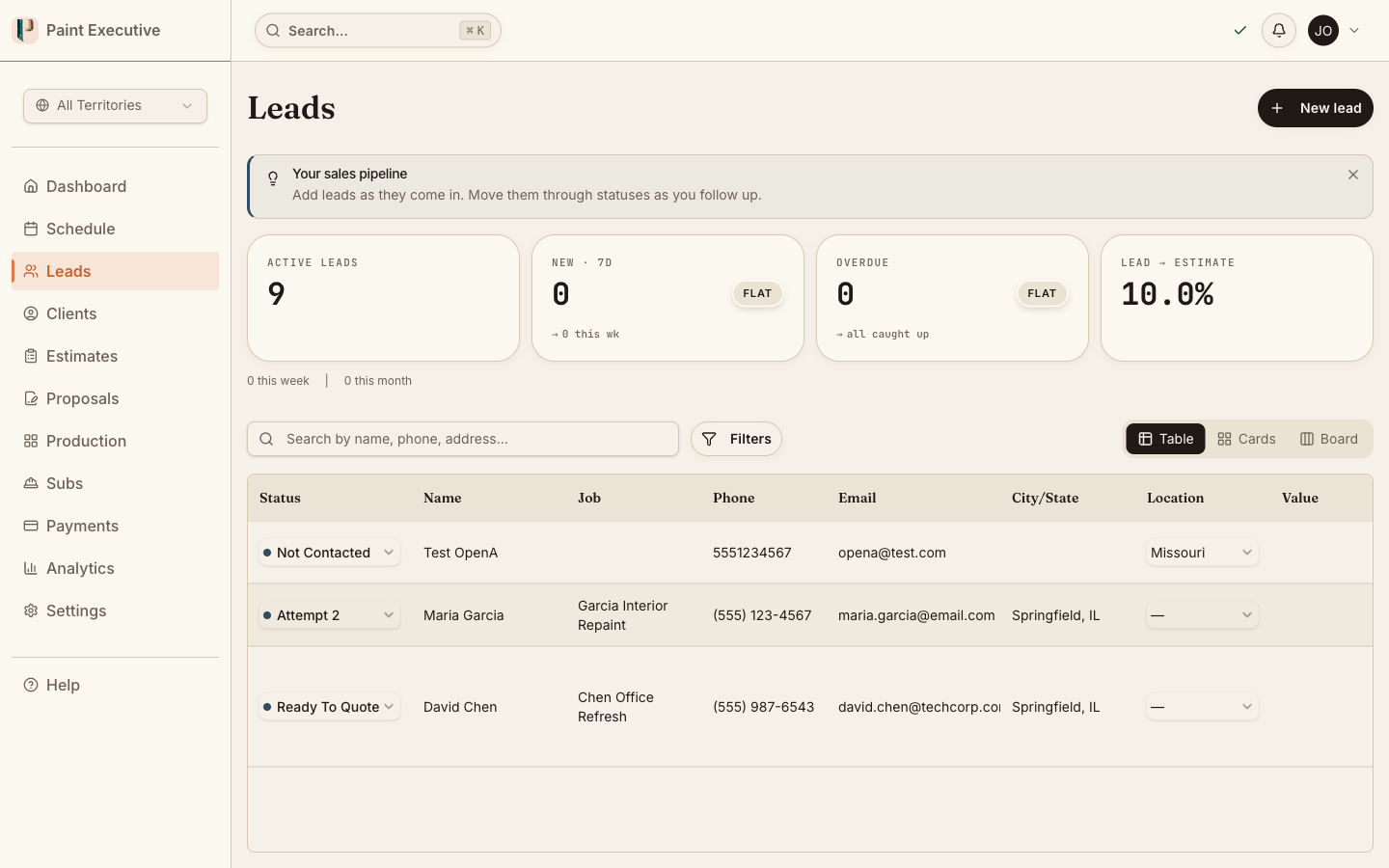
Pipeline at a glance
See every lead organized by status in a visual pipeline. Drag and drop to update status, click to see full history, and filter by source, date, or estimator.
Drag-and-drop status updates
Filter by source, estimator, or date range
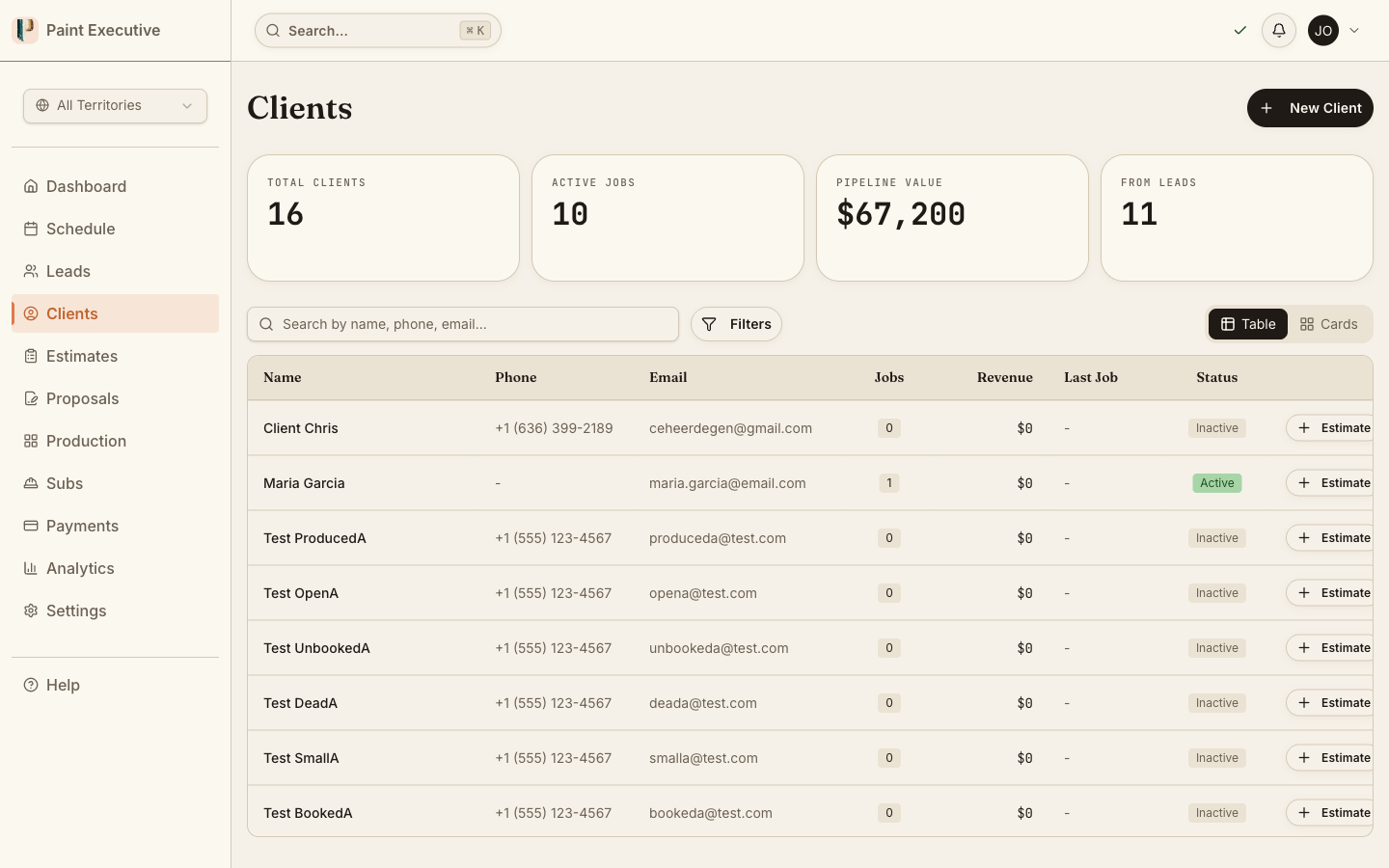
Contact attempt tracking
Every phone call, email, and text is logged with timestamp and notes. The 3-attempt rule is enforced visually so estimators know exactly where each lead stands.
Attempt counter with timestamps
Notes and next-step reminders
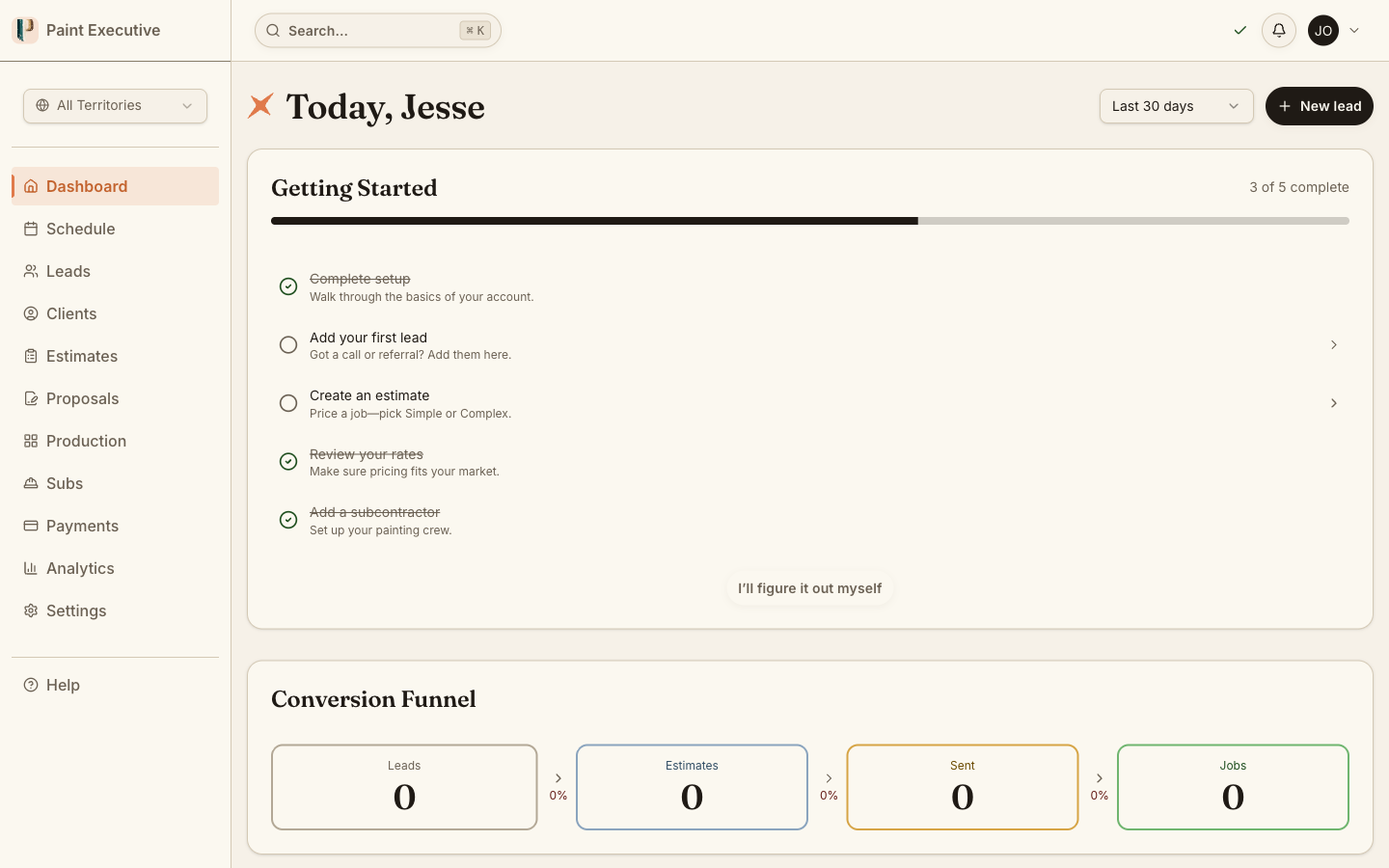
Source ROI dashboard
See which lead sources produce the most revenue, not just the most volume. Compare cost per lead, conversion rate, and average job value across all channels.
Revenue by source with cost-per-acquisition
FAQ
Common questions about lead management
Yes. You can import leads via CSV upload. Map your columns to our fields, and the system creates lead records with source, contact info, and notes preserved.
You tag each lead with its source -- Google Ads, referral, yard sign, Angi, Thumbtack, or a custom source -- when it enters the system. The analytics then show which channels produce the most revenue, not just the most leads.
Each lead tracks contact attempts. The system requires at least 3 documented attempts (call, email, or text) before a lead can be marked as dead. This prevents premature abandonment of leads that could convert.
Admins and owners see all leads. Estimators see only leads assigned to them, ensuring focus and preventing duplicate outreach. Leads can be reassigned by admins at any time.
The system automatically creates a client record and links it to the lead. All contact history, notes, and source attribution carry forward. You can then create estimates directly from the client record.
Related Features
Lead Management is just the beginning
Ready to convert more leads into jobs?
Join painting companies that track every lead from first call to signed proposal. Start your free 14-day trial today.