
From finished job to paid invoice in minutes
Generate invoices from completed jobs, collect payments via Stripe, sync everything to QuickBooks, and track sub payouts. No double entry, no manual reconciliation.
The Problem
Manual invoicing, double entry into QuickBooks, and slow payment collection
The job is done, but the invoice is not. You spend an evening typing job details into QuickBooks, emailing a PDF, and then following up when the check does not arrive. Meanwhile, your subs are asking when they get paid.
Manual invoice creation
Re-typing job details, line items, and amounts into an invoice template is error-prone and time-consuming. Every invoice is a chance to miss a line item.
Double entry into QuickBooks
If your invoicing tool does not sync to QuickBooks, you are entering every invoice twice. Double entry doubles the chance of errors and halves your Saturday.
Slow payment collection
Mailing invoices and waiting for checks adds weeks to your cash flow cycle. The longer you wait, the harder it is to collect.
Capabilities
Invoicing that handles itself
From job completion to QuickBooks sync in one click.
Auto-Generated Invoices
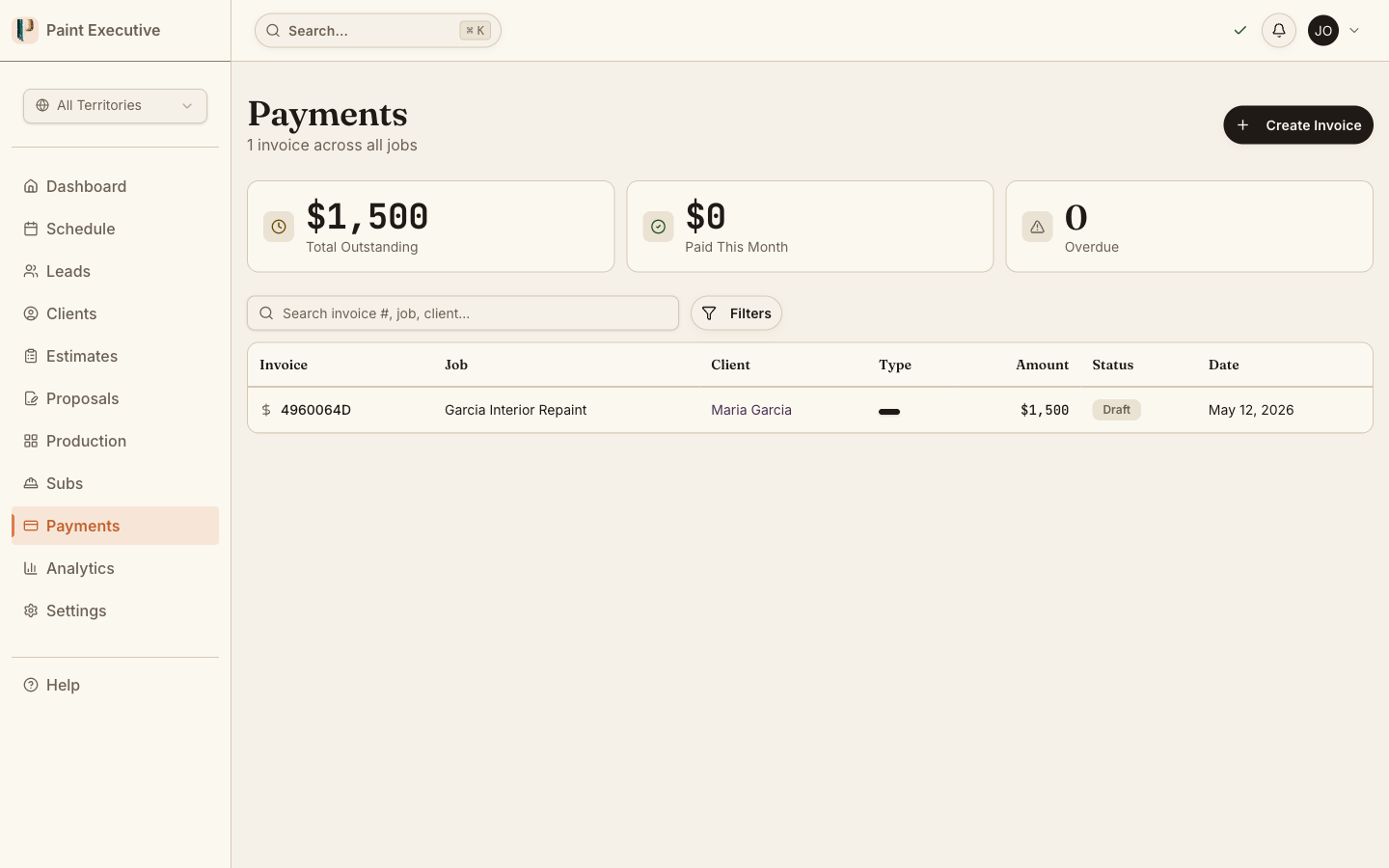
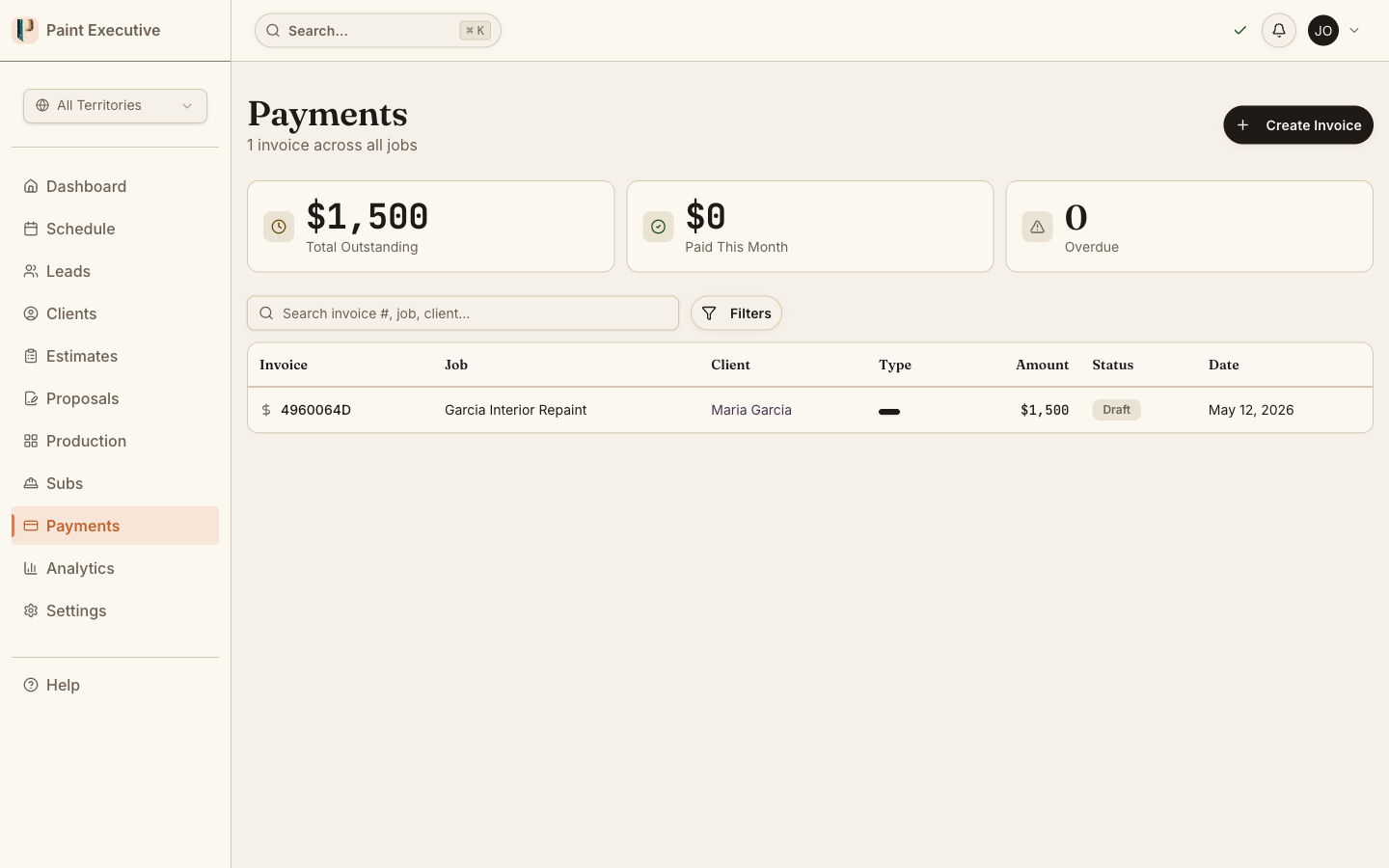
Invoices are generated directly from completed job records. Line items, amounts, and customer information auto-populate so you review rather than retype.
Stripe Payment Collection
Customers pay online via credit card, debit card, Apple Pay, or ACH transfer. Funds hit your account within two business days.
QuickBooks Auto-Sync
Invoices, payments, and customer records sync to QuickBooks Online automatically. OAuth-based integration with token auto-refresh handles the connection.
Payment Schedules
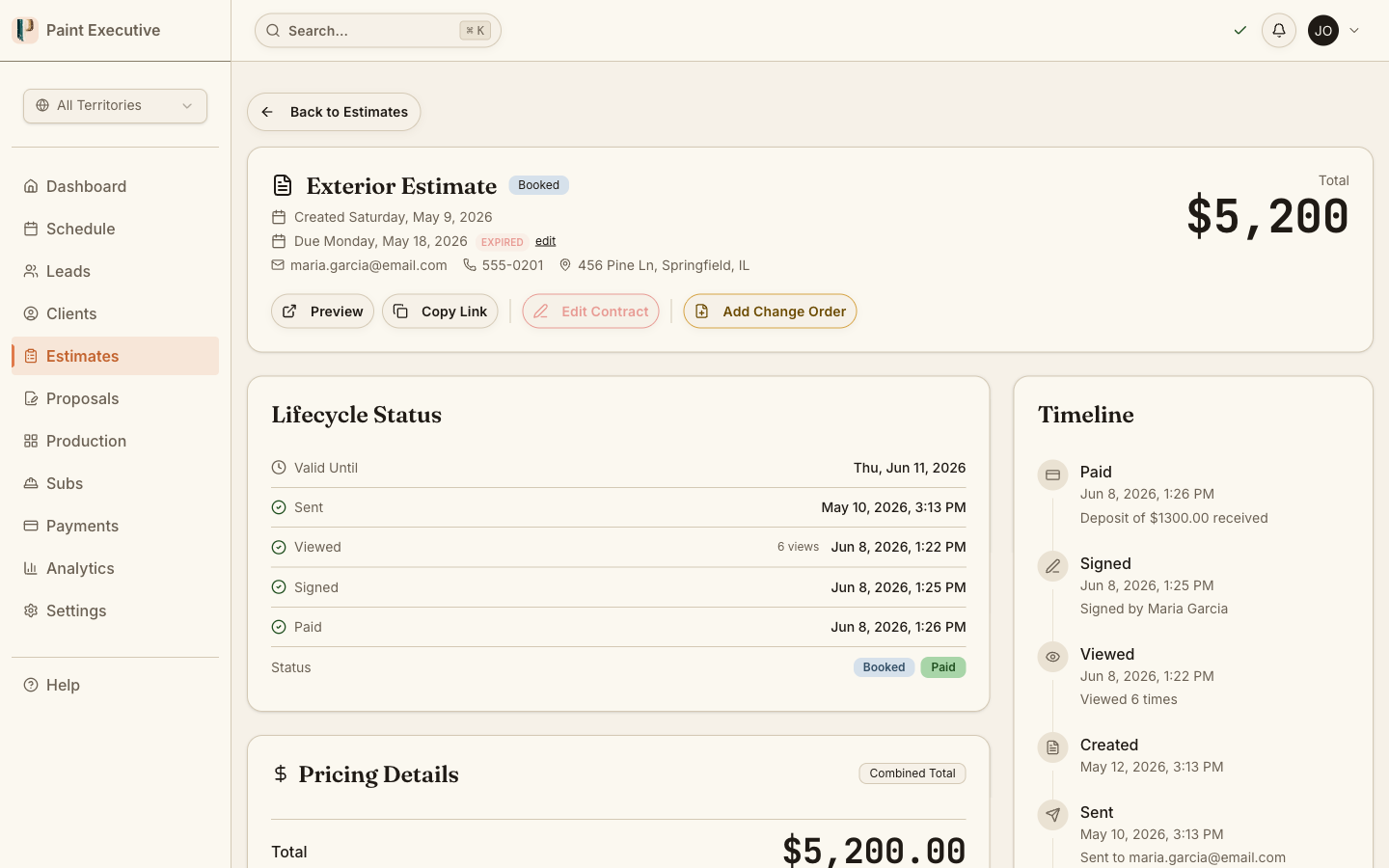
Split large jobs into milestone payments: deposit at signing, progress payment at midpoint, and final payment at completion. Each milestone triggers its own invoice.
Sub Payout Tracking
Track what you owe each subcontractor per job. Payout amounts, change order adjustments, and payment status are all visible in one place.
Financial Reporting
See revenue, outstanding balances, and payment aging at a glance. Filter by date range, customer, or job to find exactly what you need.
How It Works
From completed job to paid invoice in four steps
Complete
The job finishes and the customer signs off. The system marks the job as ready for invoicing.
Generate
One click generates an invoice from the job record. Line items, amounts, and customer info are auto-populated.
Collect
The customer receives the invoice and pays online. Stripe processes the payment and notifies you instantly.
Sync
The invoice, payment, and customer record sync to QuickBooks automatically. No manual entry required.
Complete
The job finishes and the customer signs off. The system marks the job as ready for invoicing.
Generate
One click generates an invoice from the job record. Line items, amounts, and customer info are auto-populated.
Collect
The customer receives the invoice and pays online. Stripe processes the payment and notifies you instantly.
Sync
The invoice, payment, and customer record sync to QuickBooks automatically. No manual entry required.
Stop chasing payments
Generate invoices from completed jobs, collect via Stripe, and sync to QuickBooks. Try it free for 14 days.
A Closer Look
See invoicing in action
Real product screens showing the invoicing and payment workflow.
One-click invoice generation
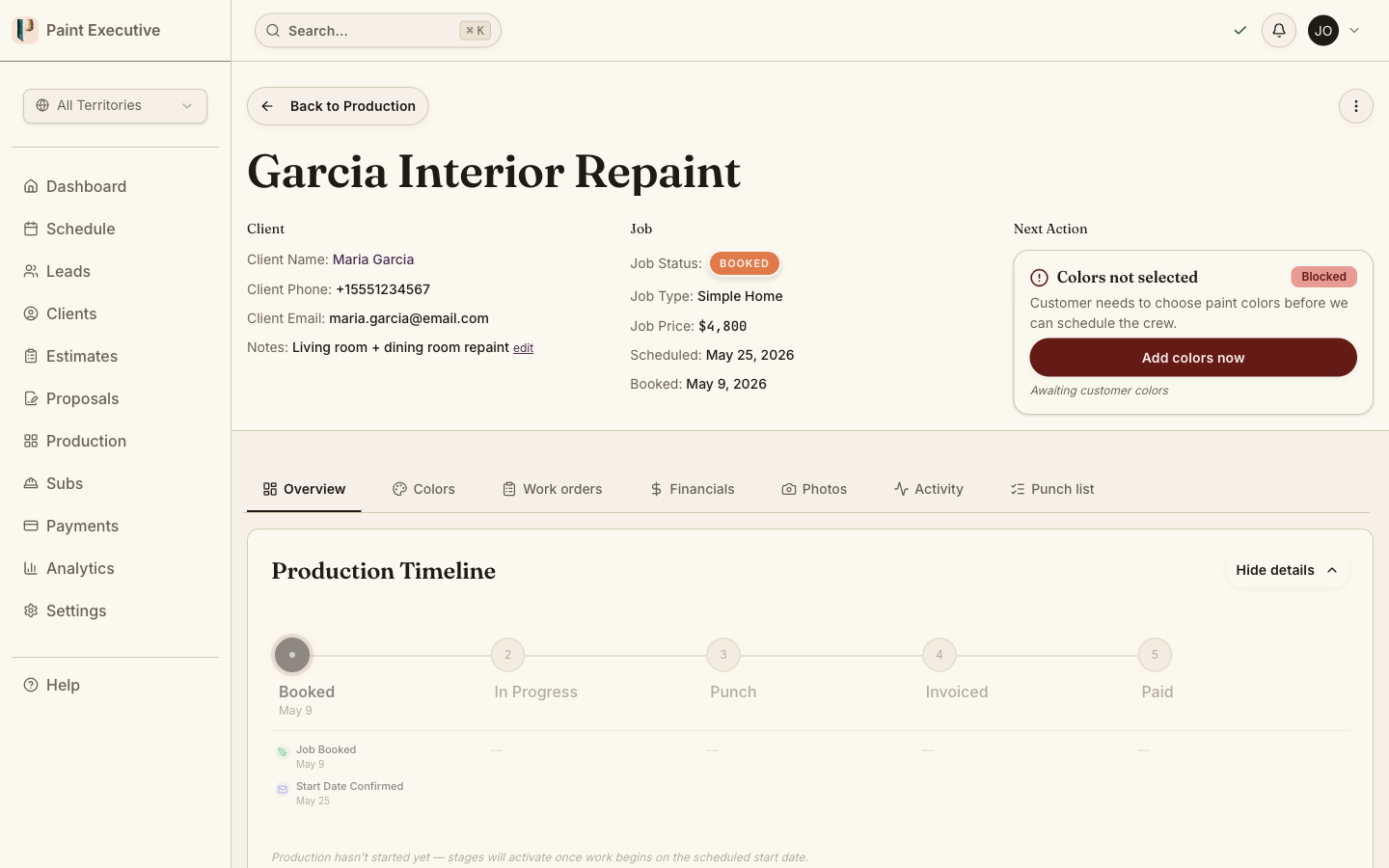
Select a completed job and the system generates a professional invoice with line items, change orders, and deposit credits already applied. Review and send.
Line items pulled from job record
Deposit credit automatically applied
QuickBooks sync dashboard
See the sync status of every invoice. Connected, synced, or needs attention -- all visible at a glance. OAuth handles authentication with automatic token refresh.
Real-time sync status per invoice
Auto-refresh OAuth connection
Payment tracking and aging
Track every outstanding balance by customer and age. See which invoices are overdue, which are paid, and what your total receivables look like.
Aging buckets with receivables totals
FAQ
Common questions about invoicing and payments
Currently, the integration supports QuickBooks Online only. The sync uses OAuth 2.0 with automatic token refresh so the connection stays alive without manual intervention.
Customers can pay via credit card, debit card, Apple Pay, Google Pay, or ACH bank transfer through the Stripe-powered payment form.
Yes. You can configure payment schedules with deposit at signing, progress payments at milestones, and a final payment at completion. Each milestone generates its own invoice.
Sub payouts are calculated as a percentage of the retail price (typically 60%). Change orders use a separate margin rate (typically 55%). All payout calculations are automatic and tied to the job record.
Yes. Invoices automatically include the original scope plus any approved change orders. Deposit credits are applied, and the final amount reflects the complete job scope.
Related Features
Invoicing & Payments is just the beginning
Ready to get paid faster?
Join painting companies that collect payment the same day the job is done. Start your free 14-day trial today.